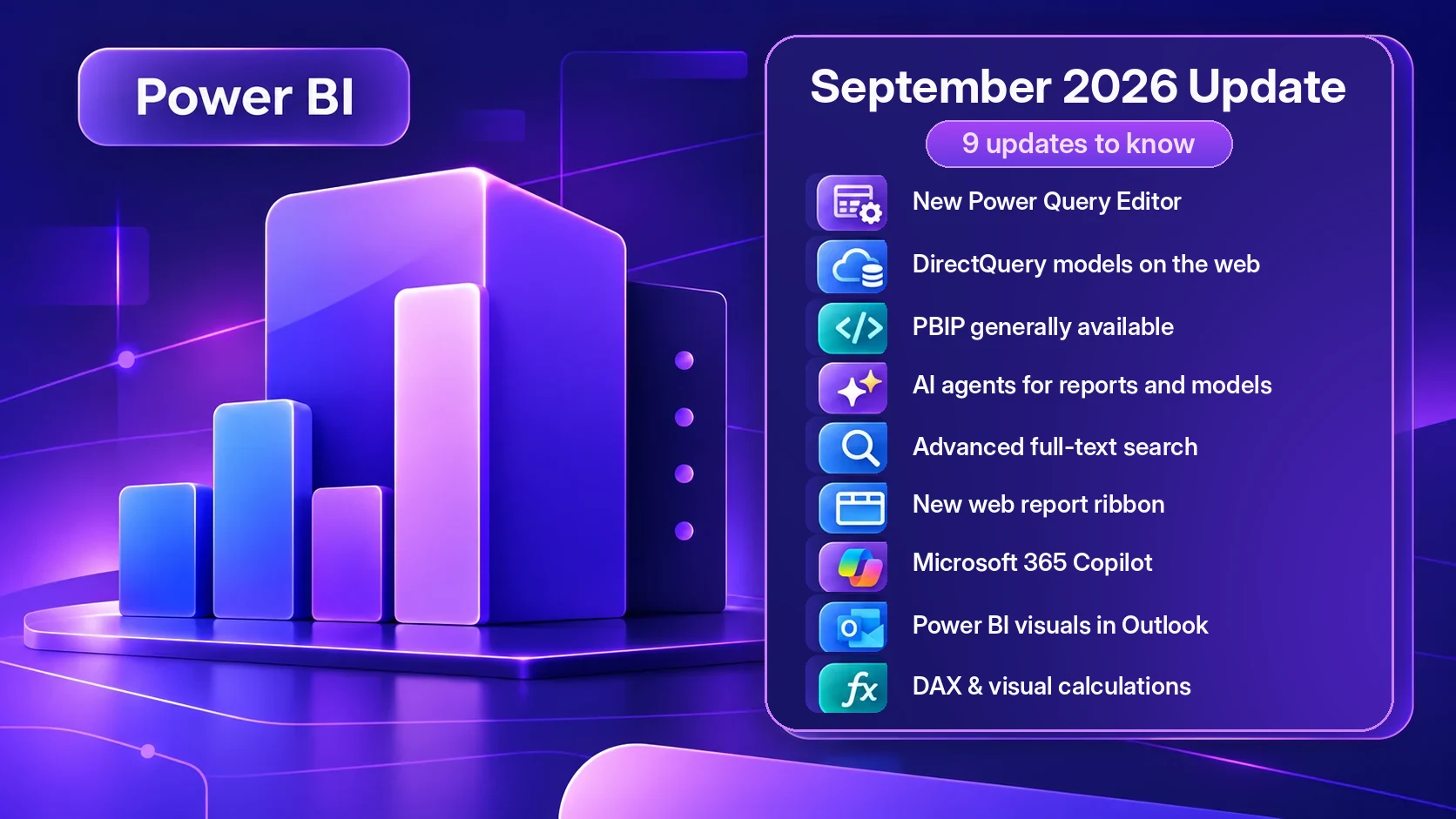
Power BI continues to evolve, introducing features that simplify not only report creation but also data preparation, semantic model management, and collaboration between developers.
The September 2026 update brings several improvements, particularly in modeling, development tools, and artificial intelligence.
In this article, we'll look at nine updates worth knowing about and, more importantly, how they can make a difference in everyday work.
1. New Power Query Editor
One of the most interesting updates is the new Power Query Editor, available in preview in Power BI Desktop.
Microsoft has redesigned the interface, introducing tools that make it easier to understand how data is transformed.
These include Diagram View, which provides a graphical representation of dependencies between queries, and Schema View, which helps users examine table structures.
New tools have also been introduced to analyze query folding, the process that allows certain transformations to be performed directly by the data source.
For those working with multiple connected queries, these improvements can make it easier to identify dependencies, investigate performance issues, and maintain ETL processes.
The benefit is not simply a more modern interface, but greater visibility into how data is prepared before being loaded into the model.
2. Edit DirectQuery models directly on the web
Power BI now allows users to create and edit DirectQuery semantic models directly in the Power BI Service.
This means relationships, DAX measures, and model properties can be modified through the browser without necessarily opening Power BI Desktop.
It's a significant improvement, especially for teams managing shared models that require frequent updates.
For example, if a new measure needs to be added to an existing DirectQuery model, the change can be made directly in the web environment, within the limits of the supported features.
Modeling becomes more flexible and less dependent on the traditional process of making changes locally and republishing the model.
3. Power BI Projects (PBIP) are now generally available
Power BI Projects, introduced to provide a more structured approach to report development, have reached general availability.
The PBIP format allows reports and semantic models to be organized as project files, making integration with Git, Visual Studio Code, and version control tools easier.
In the August update, we already explored some improvements to the PBIP workflow. September marks another step forward, establishing this approach as an officially supported development option.
For more complex business projects, this means better change management, easier comparison between versions, and improved collaboration between developers.
Power BI is moving closer to traditional software development practices, where version control and change tracking are essential.
4. AI agents for report and model development
Artificial intelligence is playing an increasingly important role in the development process.
With Power BI Agentic Experiences, now generally available, Microsoft introduces tools that allow AI agents to assist with creating and modifying reports and semantic models.
Through components such as Power BI Authoring MCP Server and Power BI Desktop Bridge, agents can interact with projects and support developers in various technical tasks.
For example, they can help create an initial report structure or update certain model elements based on specific instructions.
This doesn't remove the need to validate relationships, DAX measures, and business logic.
Instead, the goal is to reduce the time spent on repetitive tasks, allowing developers to focus more on design and analysis validation.
5. Advanced text search in semantic models
Another announced improvement concerns new ways to search and compare text data.
Microsoft has introduced String Indexing and Full-Text Search capabilities, along with new DAX functions such as TEXTCONTAINS and TEXTSIMILARITY.
The goal is to make searches within text columns more efficient, addressing some of the limitations of traditional string comparison operations.
These capabilities can be particularly useful in models containing product descriptions, categories, customer records, or other text-based information.
These features were announced in preview, with a gradual rollout. It's therefore important to check their availability in your environment before planning to use them in production.
6. New ribbon for web-based report editing
Microsoft continues to improve the report creation experience directly in the Power BI Service.
The new Report Ribbon, available in preview, introduces a tab-based interface that more closely resembles Power BI Desktop.
Among the available tools is Format Painter, which allows users to copy formatting from one report element to another.
This update is particularly useful for those who frequently modify published reports.
A more consistent interface between Desktop and Service can reduce the steps required to adjust layouts and formatting, making it easier to work directly in the browser.
7. Microsoft 365 Copilot integration with Power BI
The integration between Power BI and Microsoft 365 Copilot continues to evolve.
With the September update, Microsoft introduces new ways to use Copilot within Power BI and Microsoft Fabric, connecting data analysis with the work context available in Microsoft 365.
In addition, Power BI data-based responses in Microsoft 365 Copilot Chat have reached general availability.
Users can find reports and semantic models, reference them in conversations, and ask questions about the data using natural language.
Direct integration of Microsoft 365 Copilot within Power BI, however, initially remains in preview and requires specific licensing and configuration.
The benefit is a more natural way to access information without having to navigate through multiple report pages every time.
However, well-designed semantic models, with clearly defined KPIs and accurate measures, remain essential.
8. Interactive Power BI visuals directly in Outlook
With Live Visual Sharing, available in preview, Power BI visuals can be shared directly within Outlook on the web.
Unlike a screenshot, the visual maintains a connection to the original report and can display updated data while preserving some interactive capabilities.
Consider a sales manager who shares weekly sales performance updates. Instead of attaching a static image, they can share a chart connected to the report.
The feature requires administrator enablement, and recipients must have the appropriate permissions and licenses.
It's another step toward making data sharing more integrated with the tools people use every day.
9. DAX improvements and visual calculations
September also introduces useful improvements for those working with DAX and calculations directly within visuals.
The APPROXIMATEDISTINCTCOUNT function, used to estimate the number of distinct values, now supports Import and Direct Lake modes.
It can be a useful alternative when working with very large datasets where an approximate result is sufficient, potentially avoiding the cost of an exact count in certain scenarios.
Another improvement concerns visual calculations, which can now also be used with small multiples.
This makes it possible to apply calculations directly to visuals divided into multiple charts, expanding analytical capabilities without necessarily adding new measures to the semantic model.
These improvements may be less visible than interface updates, but they can be valuable when designing more advanced analytical reports.
What actually changes in everyday work
The September 2026 update confirms an increasingly clear direction in Power BI's evolution.
On one hand, Microsoft is improving development and maintenance tools through the new Power Query Editor, web-based DirectQuery modeling, and the general availability of PBIP projects.
On the other, it continues to invest in Microsoft 365 integration and artificial intelligence, both to simplify data analysis and to support report development.
For Power BI professionals, this means having access to increasingly advanced tools, while also needing to pay greater attention to model quality and project organization.
Automation can speed up many tasks, but correctly defining KPIs, designing data models, and understanding business processes remain essential.
In summary
Among the September 2026 updates, the new Power Query Editor and web-based DirectQuery modeling can have a practical impact on development and maintenance activities.
The general availability of PBIP projects supports more structured workflows, while new DAX capabilities expand analytical possibilities.
Copilot and AI agents represent the most innovative direction of this update: Power BI is becoming increasingly integrated with artificial intelligence, both during development and when working with data.
However, the goal isn't to adopt every new feature as soon as it's released, especially when it's still in preview.
It's about understanding which updates can genuinely improve report quality, simplify model management, and make data more useful for decision-making.